
Modern home automation brings convenience and peace of mind, but it also requires occasional maintenance to ensure reliable operation. One simple yet important task is managing your garage door opener’s memory. Over time, remotes, keypads, and vehicle systems can accumulate, and you may want to remove old codes or start fresh with new devices.
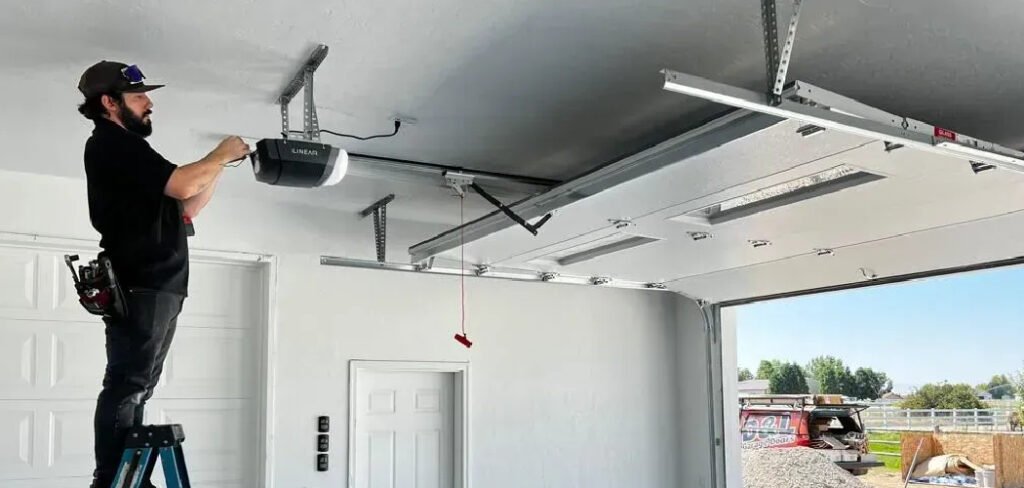
Learning how to clear garage door opener memory is a practical, beginner-friendly process that helps you maintain control over who can access your home. It is not about reacting to a threat but about proactive management. By understanding the proper steps and following safe practices, you can confidently maintain your system, prevent technical glitches, and ensure your automated entry points operate smoothly every day.
What Does Clearing a Garage Door Opener Mean?
Clearing a garage door opener refers to erasing the stored memory on the motor unit. This memory holds the codes for all programmed remotes, keypads, and compatible vehicle systems. Performing a reset disconnects these devices, effectively removing access from any item not reprogrammed afterward.
Think of it like removing saved Wi-Fi networks on your smartphone: once cleared, only newly authorized devices can reconnect. This ensures that only the remotes and systems you currently possess can operate the door, giving you complete control over your entry points.
Preparing for a Safe and Smooth Reset
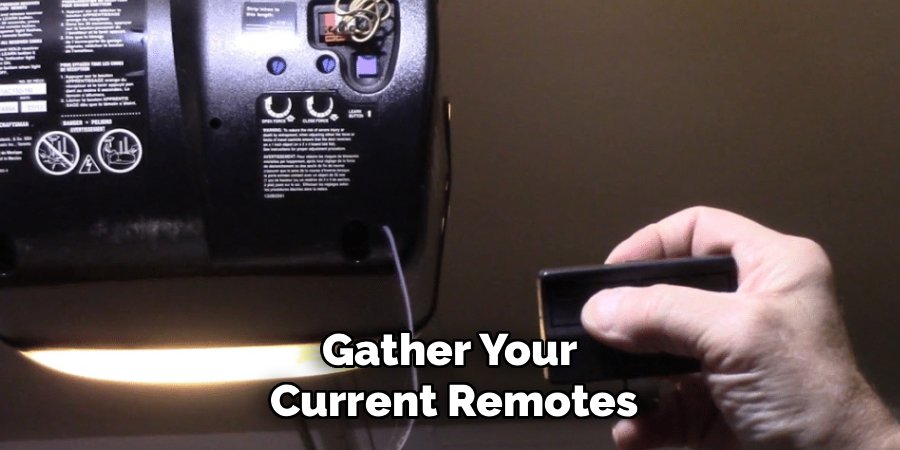
Before you begin, gather your current remotes, keypads, and any vehicle systems you plan to reprogram. Make sure the area around the garage door and the motor unit is clear. Having a sturdy ladder, flashlight, and safety glasses will make the process easier and safer.
Approach this task as routine maintenance rather than a technical challenge. Familiarizing yourself with the motor unit, its buttons, and indicator lights beforehand will help you feel confident and reduce mistakes. A calm, prepared mindset is just as important as having the right tools.
The Importance of Clearing Your Opener Memory
Maintaining your garage door opener’s memory is a key part of home security. Over time, multiple remotes may be given to family, neighbors, or service providers. Without periodic clearing, it can be difficult to track who has access.
Resetting the memory not only helps you control access but also ensures optimal system performance. Electronics can occasionally glitch or lose synchronization over years of use. A reset can resolve intermittent issues, strengthen the connection between transmitters and the motor unit, and provide a reliable baseline for everyday operation. This small step supports both convenience and security.
Common Situations You Should Be Aware Of
Several routine situations often prompt homeowners to clear their garage door opener memory:
- Moving into a new home: Previous owners may still have programmed remotes.
- Lost or stolen remotes: Ensure missing devices cannot open your garage.
- Tenant or roommate changes: Resets allow only current residents to have access.
- Vehicles with preprogrammed systems: New or used cars may still have codes from prior owners.
- Technical glitches: Phantom door openings or inconsistent operation may be solved by clearing the memory.
Being aware of these scenarios allows you to act proactively rather than reactively.
Tools and Materials You’ll Need
- Sturdy stepladder for reaching the motor unit
- Flashlight or headlamp for visibility
- Safety glasses to protect eyes from dust or debris
- Current remotes and keypads to reprogram
- Instruction manual for reference if available
Having these items ready ensures a smooth and safe process.
Step‑by‑Step Guide: How to Clear Garage Door Opener
Step 1: Locate the Motor Unit and Learn Button
Safety Caution: Ensure your ladder is stable and consider having a second person nearby for spotting.
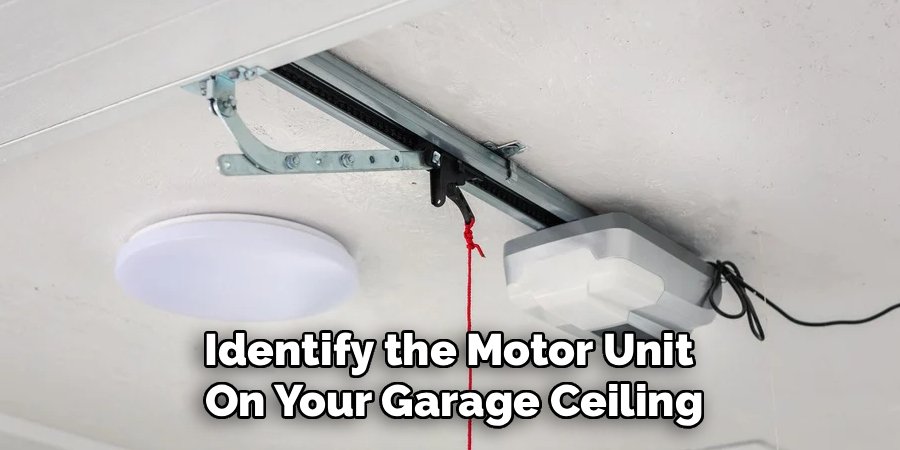
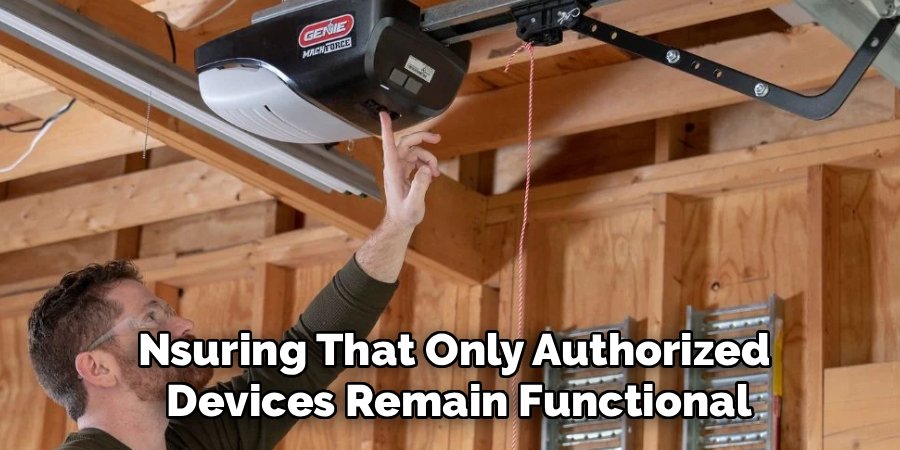
Identify the motor unit on your garage ceiling. Look for a button labeled “Learn,” “Smart,” or “Program,” often colored yellow, purple, red, or green. This button is typically near the antenna wire or behind a light lens cover. If you need to remove the cover, do so gently. Correctly identifying this button is essential for the reset process, as it is the central control for clearing all stored codes.
Step 2: Initiate the Clearing Sequence
Safety Caution: Avoid touching any exposed wiring. Only interact with the intended plastic buttons.
Press and hold the Learn button for 6–10 seconds, depending on your unit. Watch the indicator light: it usually turns off or flashes to signal that the memory has been erased. This step disconnects all previously programmed devices, ensuring only the ones you reprogram afterward can operate the door. Holding the button too briefly may not fully erase the memory, so be patient and follow your model’s instructions.
Step 3: Test to Verify the Memory is Clear
Safety Caution: Stand clear of the door’s path during testing.
Try operating old remotes or keypads. If clearing was successful, the door should not move, and no lights or sounds should activate. Test each device you have programmed to confirm complete erasure. If any device still works, repeat Step 2 carefully. Verifying that the memory is clear ensures you are building your new access setup on a solid foundation.
Step 4: Reprogram Your Active Devices
Safety Caution: Avoid holding remote buttons while climbing or descending ladders.
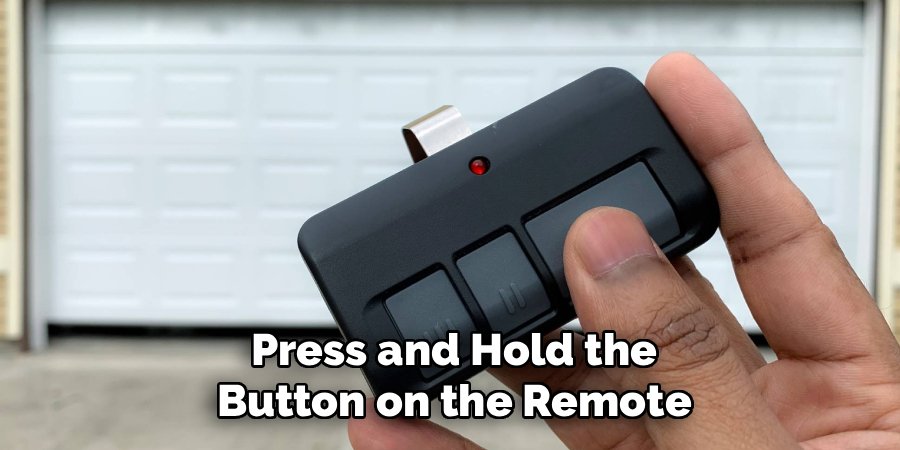
Press the Learn button briefly to put the motor unit in programming mode. Within 30 seconds, press and hold the button on the remote or keypad you wish to authorize. Wait for the indicator light to flash or hear two clicks, confirming the code is accepted. Repeat for all devices you want to use. This process restores control, allowing only the devices you physically possess to operate the garage door.
Simple Safety Tips You Can Use
Maintain a safe garage environment by keeping remotes out of reach of children and treating them like house keys. Periodically check the photo-eye sensors to ensure they are clean and properly aligned. Keep the area around the tracks clear of clutter or furniture. Regular attention to these simple habits improves safety and ensures reliable, uninterrupted operation.
How to Stay Safe in Everyday Situations
Home
Always confirm the door is fully closed before leaving. Keep wall console buttons high enough to prevent small children from reaching them.
Family
Educate family members about the risks of moving doors and the importance of respecting automated systems. Discuss how the safety mechanisms work to encourage responsible behavior.
Furniture and Lifestyle
Avoid storing items near tracks or sensors. A clear space prevents accidental obstruction of the door and ensures the reverse safety mechanism operates correctly. A tidy garage supports reliable daily operation.
Common Mistakes to Avoid
- Assuming one reset covers all devices on older or multi-system openers
- Forgetting vehicle remotes like HomeLink systems
- Ignoring dead batteries when reprogramming fails
- Holding the Learn button too long during reprogramming, inadvertently erasing memory again
- Using incompatible light bulbs that may interfere with signal transmission
Being aware of these mistakes supports safe and effective system management.
Frequently Asked Questions
H3: How often should I reset my garage door opener?
There is no strict schedule, but it’s wise to reset after security changes, such as losing a remote or changing roommates. Performing a reset every few years can also be a proactive step, ensuring that only authorized devices remain functional. It serves as an audit of access points and helps maintain consistent system performance.
H3: Will clearing the memory affect my wall switch?
Typically, only wireless devices like remotes and keypads are affected. Wired wall consoles remain functional, although some advanced consoles with screens or wireless capabilities may need resynchronization. Always consult your manual for specific behaviors related to your model.
H3: Can I clear just one remote instead of all of them?
Most systems erase all codes at once. To remove a lost or unwanted remote, clear the memory and reprogram only the devices you want to keep. This all-or-nothing design ensures maximum security and eliminates uncertainty about which codes are active.
H3: Why is my garage door opening by itself?
Random door operation can be caused by stuck buttons, wiring shorts, or radio interference. Clearing the opener memory removes old codes and potential stray signals. If the issue persists, further inspection of wiring or the logic board may be needed.
H3: What do I do if I don’t have the manual for my opener?
Locate the manufacturer’s sticker on the motor unit and note the brand and model number. Most manuals are available online in PDF format. Many openers follow standard color codes for the Learn button, which can guide you even without the original manual.
Conclusion
Knowing how to clear garage door opener memory is a practical, empowering skill for any homeowner. By preparing your workspace, following step-by-step guidance, and maintaining safe habits, you can confidently manage your garage access. Regularly updating your authorized devices ensures security, reliable operation, and peace of mind. Taking proactive steps in this simple maintenance routine helps keep your automated home both convenient and secure.
